PROCESS
How the demo works
STEP 01
Choose a product
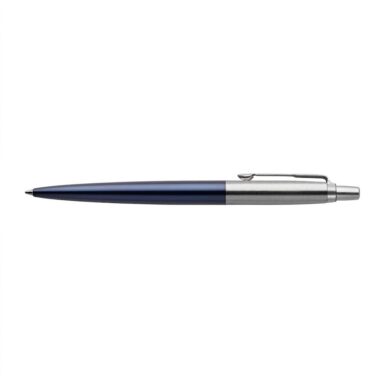
Every item in the catalogue has a defined print area waiting for a design.
STEP 02
Customize it live
The Sigmira editor opens in your browser — add text or images and place them on the product.
STEP 03
See it in the cart
Add your design to the cart to see how it carries through. Checkout is switched off in this demo, so nothing is ordered or charged.
CATALOGUE
Pick a product to customize
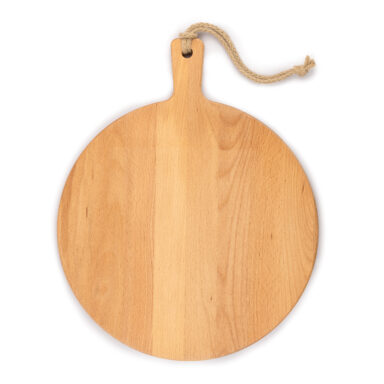
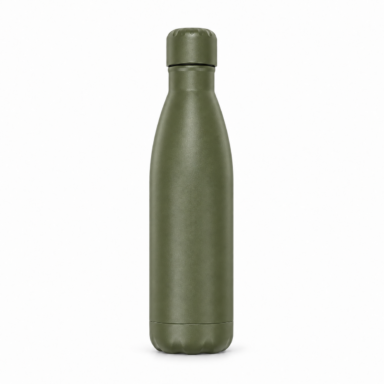

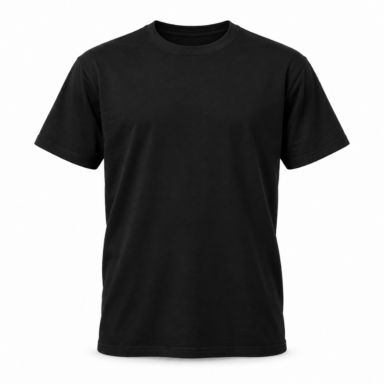
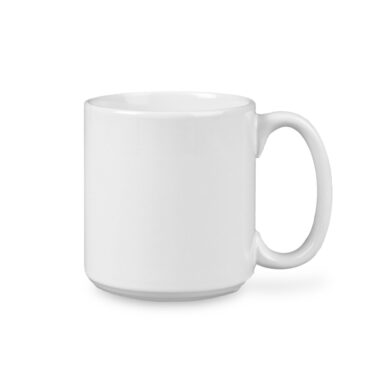
Your customers design in the browser. You receive print-ready production files.
THE SIGMIRA PIPELINE
DEMO — NOT FOR PRODUCTION
Want this on your own store?
Sigmira gives your customers a visual product designer in the browser and gives you print-ready production files for every order.
Get Sigmira for your store